
1

Import Comment components

Import the VeltComments component and the VeltCommentTool component.
2

Add Comments component

Add the VeltComments component to the root of your app.This component is required to render comments in your app.
3

Add Comment Tool component

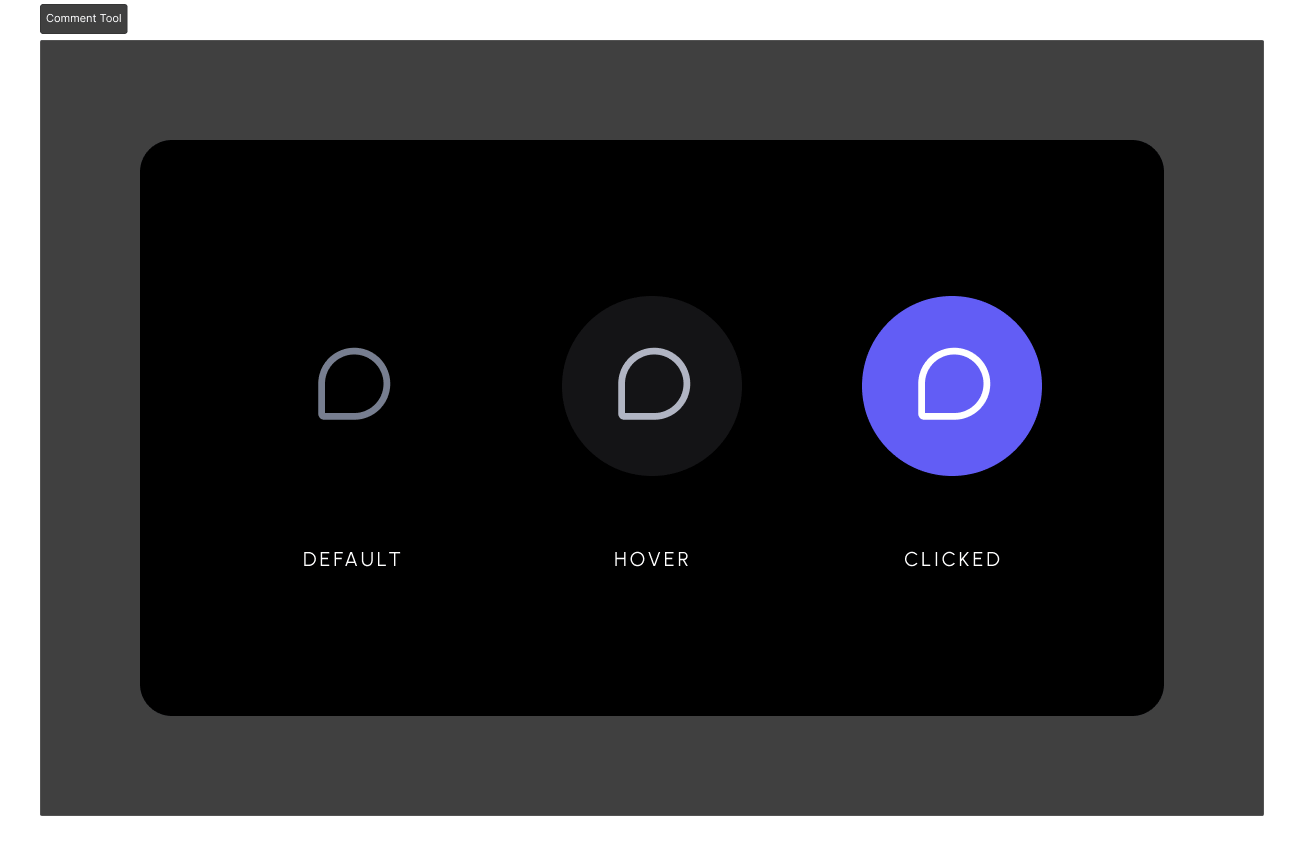
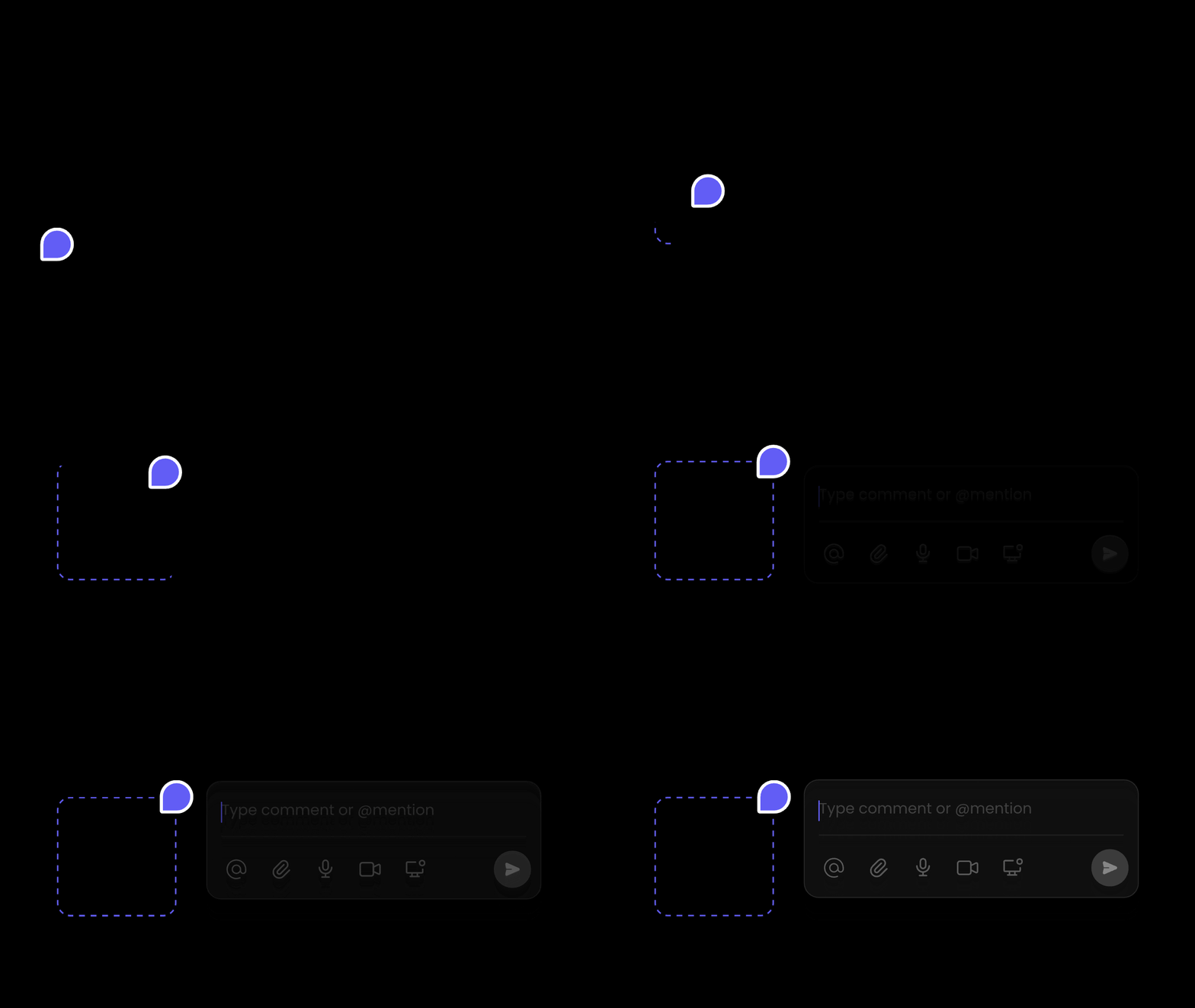
Add the VeltCommentTool component wherever you want to show the comment tool button.Clicking on it initiates comment mode & changes your mouse cursor to a comment pin. Now you can click anywhere on the document to attach comments to any elements.
4

Test Integration

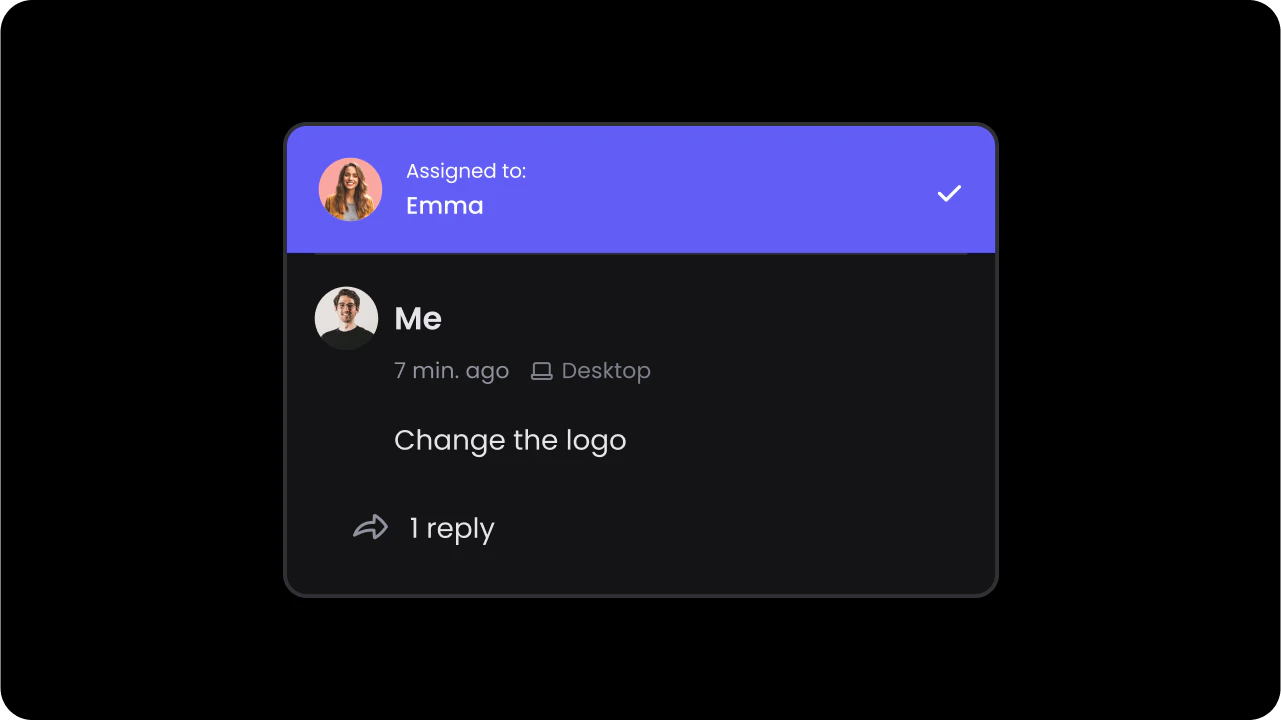
Test it out by opening the page with Velt components in your browser.Click on the Comment Tool and click anywhere on the page to add a comment.