

Configuration
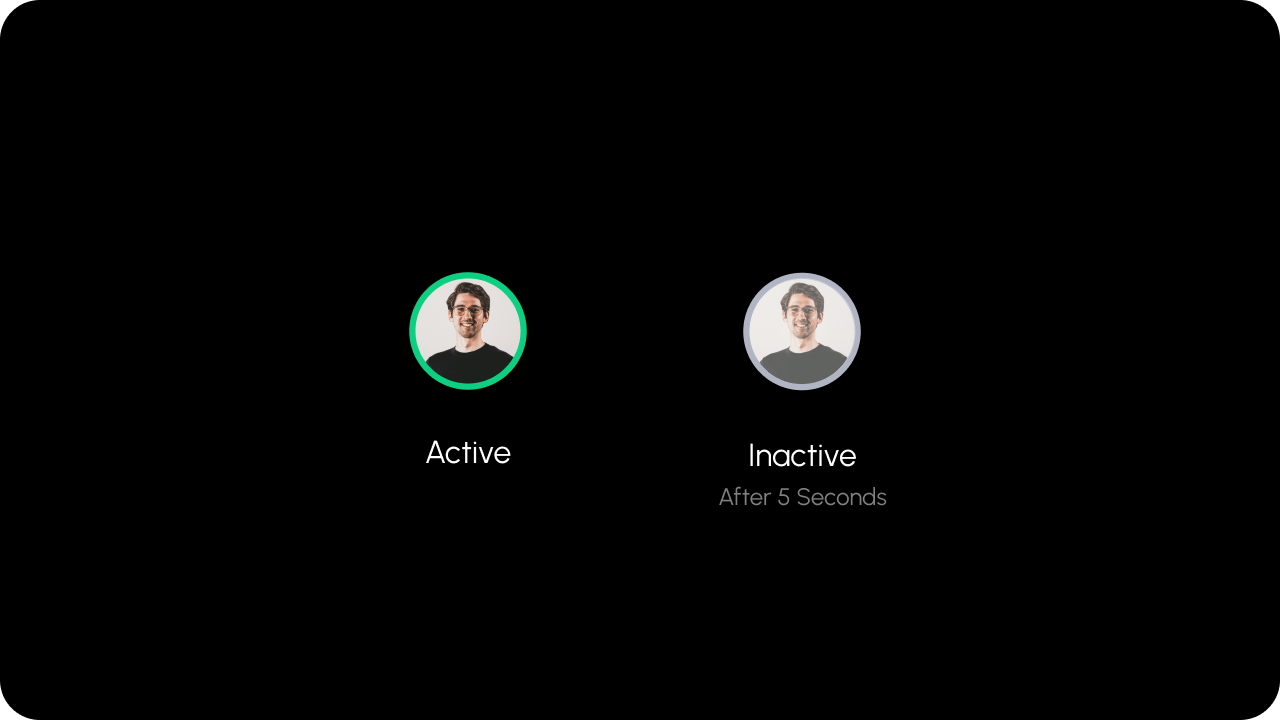
inactivityTime
- Configure when a user is considered inactive after being inactive.
- These are considered as inactive:
- no mouse movement
- no keyboard activity
- This is in milliseconds.
- This will set the following fields in the presence user object:
onlineStatustoawayisUserIdletotrue
- If a user’s tab is unfocused, we immediately update following fields in the presence user object:
onlineStatustoawayisTabAwaytotrue
300000 (5 min)
- React / Next.js
- Other Frameworks
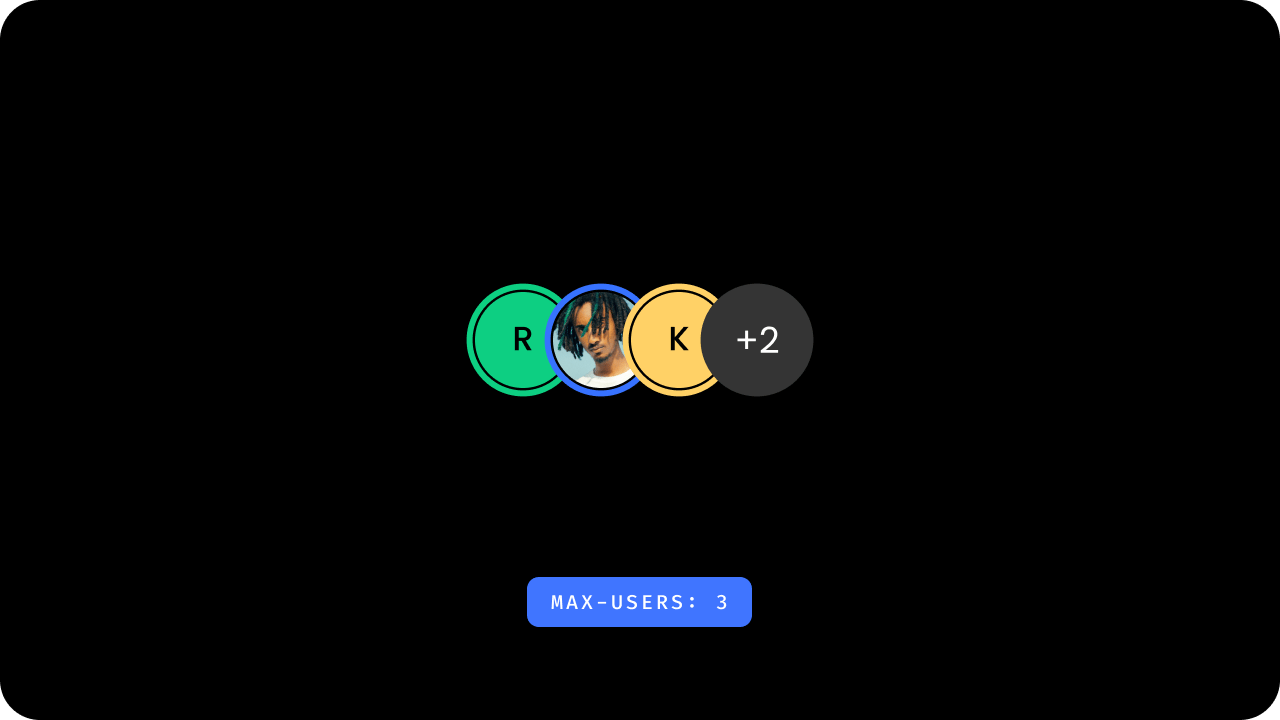
maxUsers
- Set how many
Presenceavatars to display at a time. - You can set this via the
maxUsersattribute. Any extra avatars will be hidden and shown in an avatar which indicates the number of extraUsers.
- React / Next.js
- Other Frameworks
offlineInactivityTime
- Configure when a user is considered offline if they do not take any action on the document within the specified timeframe.
- User is also marked offline if they lose internet connection.
- This is in milliseconds.
- This will set the
onlineStatusfield in the presence user object toofflineif they are inactive for the given time.
600000 (10 min)
- React / Next.js
- Other Frameworks
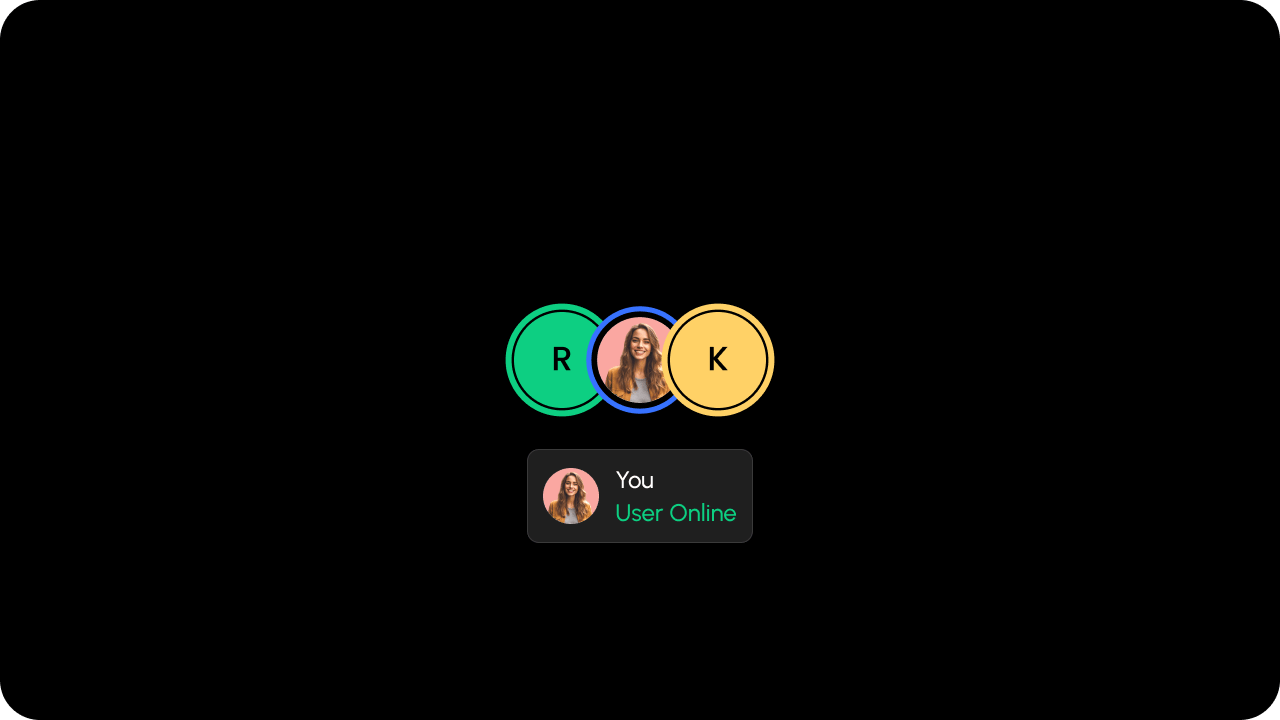
self
- Whether to include yourself in the list of
Presenceusers. - Default:
true
- React / Next.js
- Other Frameworks
locationId
- Renders the Presence avatar if any user is active on the given
locationId.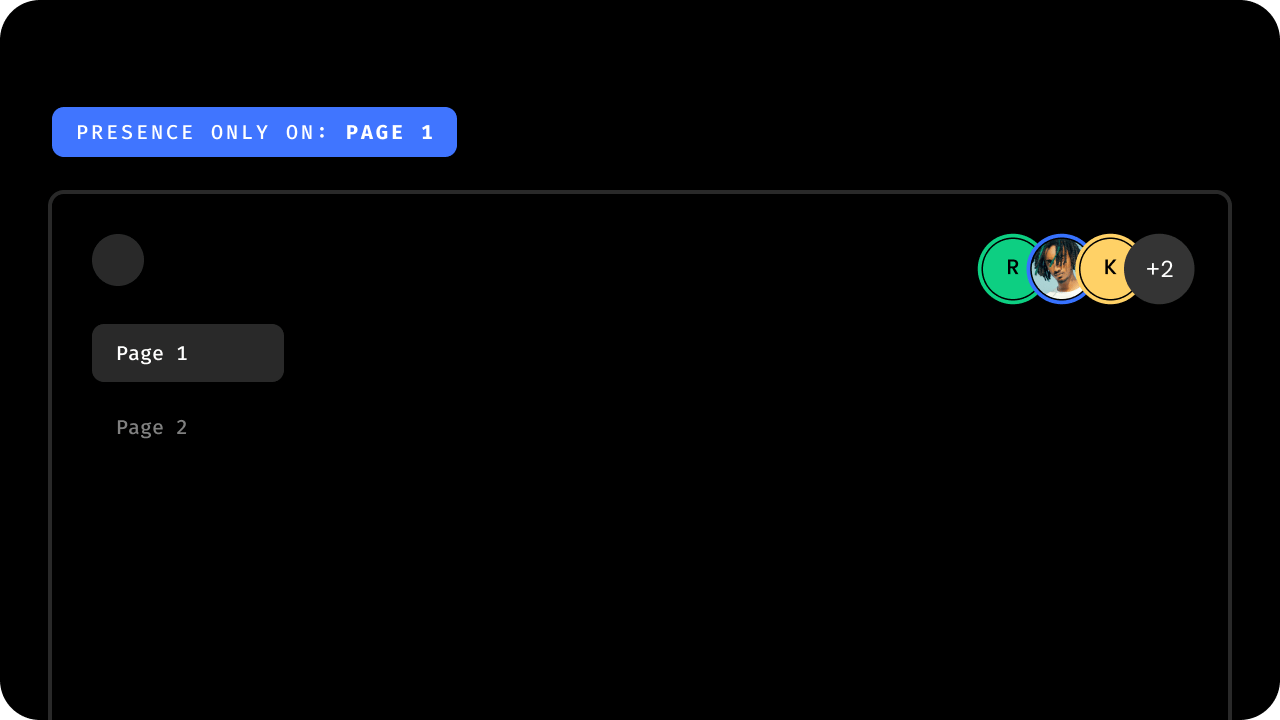
- React / Next.js
- Other Frameworks
Data
getData
- Subscribe to presence data.
- Params:
PresenceRequestQuery(optional) - Returns:
Observable<GetPresenceDataResponse>
- React / Next.js
- Other Frameworks
Using Hook:Using API:
Programmatic User Management
You can also manage users server-side using the Presence REST APIs.
addUser()
- Programmatically add a custom user (e.g., AI agent, bot, system account) to the presence list for the current document.
- Set
localOnly: trueto restrict the change to the current client without persisting to the database. Useful for showing local-only indicators such as AI agents visible only to the current user. - Params:
{ user: Partial<PresenceUser>, localOnly?: boolean } - Returns:
void
- React / Next.js
- Other Frameworks
removeUser()
- Programmatically remove a custom user from the presence list for the current document.
- Set
localOnly: trueto restrict the removal to the current client (matches thelocalOnlyflag used when adding the user). - Params:
{ user: Partial<PresenceUser>, localOnly?: boolean } - Returns:
void
- React / Next.js
- Other Frameworks
Event Subscription
on
- Subscribe to Presence Events. Here is the list of events you can subscribe to and the event objects you will receive.
| Event Type | Description | Event Object |
|---|---|---|
userStateChange | Triggered when a user state changes to online, offline, or away | PresenceUserStateChangeEvent |
- React / Next.js
- Other Frameworks
Using Hook:Using API:
onPresenceUserClick
- This event is triggered when a user clicks on a presence avatar.
- React / Next.js
- Other Frameworks
Backend REST APIs
Use these REST API endpoints for server-side management of presence records. A common use case is showing AI agents or bots as live participants while they work on a document — for example, surfacing an “AI Editor” avatar alongside human collaborators. Also useful for seeding presence state, removing stale users, or integrating with external session management systems.- Add Presence — add one or more users to the presence list for a document.
- Update Presence — update presence data (name, email, status) for existing users on a document.
- Delete Presence — remove one or more users from the presence list for a document.